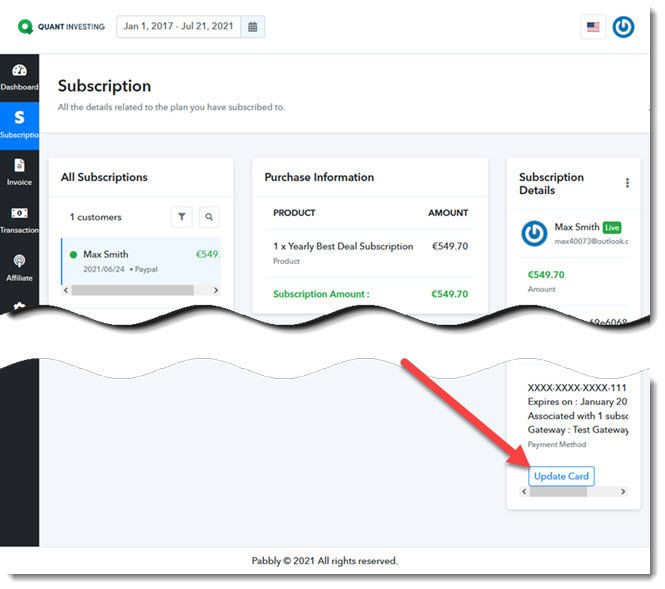
Here is what you need to do to change your credit card details, it's very easy...
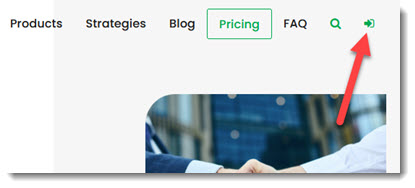
Log in by clicking on the Login icon at the top right of the Quant Investing website.
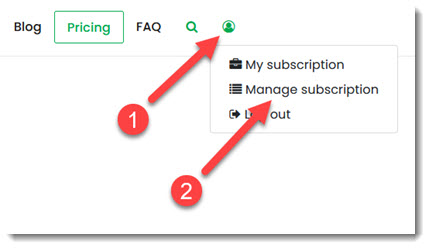
After you have logged in, (1) click the Subscriber Icon that appears at the top right of the website.
Then (2) click on the Manage subscription menu item.
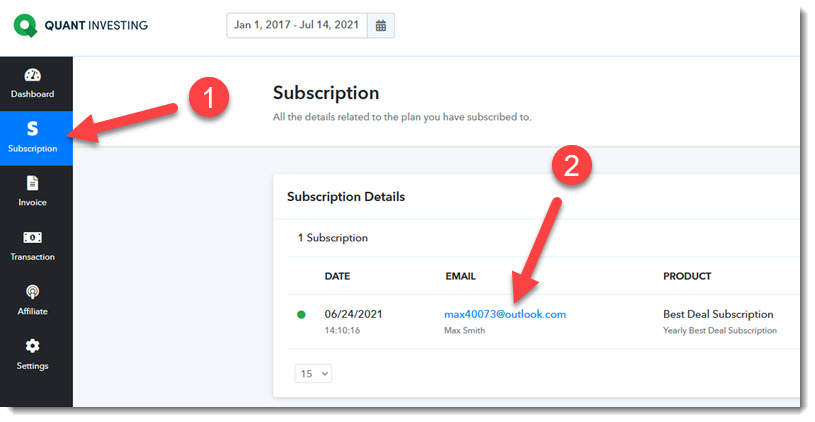
Step 1 On the new page, click the Subscription left menu item.
Step 2 Then click on your email address to show your subscription details.
On the next page, scroll down to the bottom of the page
Click on the Update Card button at the bottom right of the page.