Logo

What can we help you with?

Get help straight from our team...

How can I change my password?

Your Subscription

How can I change my password?

How to change or reset your password

Last updated on 06 Nov, 2025

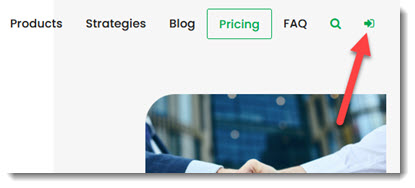
To change your password, click on the Login icon at the top right of the Quant Investing website

Image

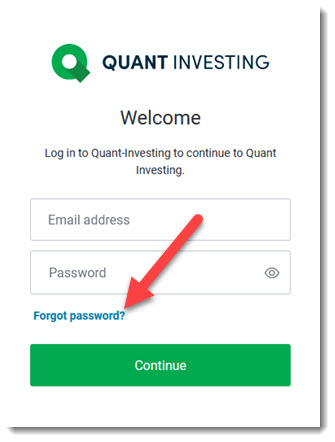
On the next page click the Forgot Password? link. 
Image

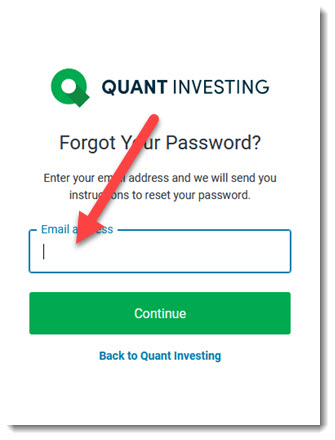
Fill in your email address on the next page. 
Image

A link will be emailed to you where you can change your password.


Keywords: Change password, reset password, get new password, blocked account, account blocked

Did you find this article helpful?
Previous

Where can I find the research report What Works On European Markets?

Next