

How to make changes to your subscription
To change your subscription, this is what you need to do:
Cancel your existing subscription
Sign up for the new subscription
To cancel your subscription
To cancel your subscription, see the steps in the FAQ article called How do I cancel my subscription?
You will receive an email to confirm that your subscription has been successfully cancelled.
How to sign up for your new subscription
Do this after your existing subscription runs out.
Log in by clicking on the Login icon at the top right of the Quant Investing website.
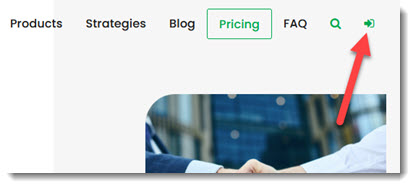
Click on the Pricing top menu item.
Select the plan you would like to subscribe to and follow the steps.
Keywords: Change subscription, Upgrade, Downgrade, second subscription, 2nd subscription, switch subscription,